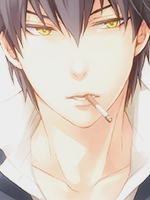
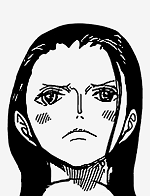
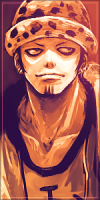
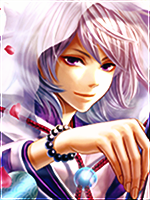
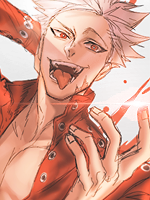
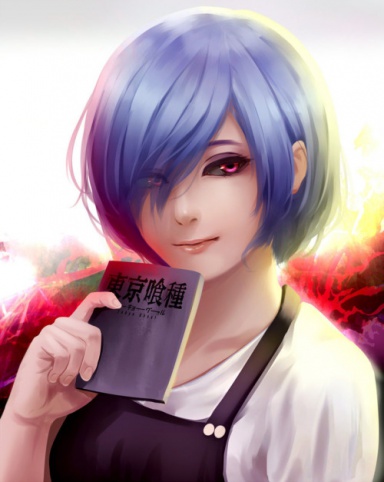
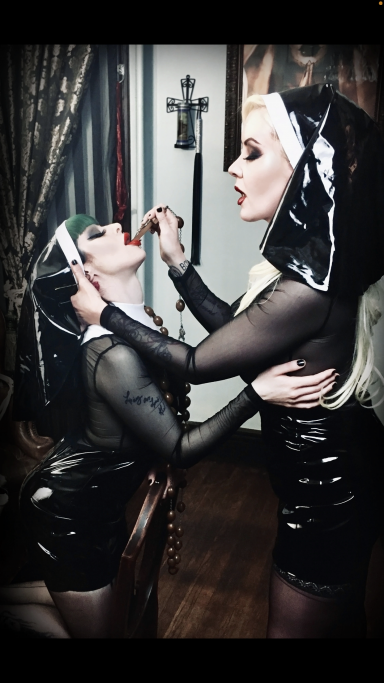
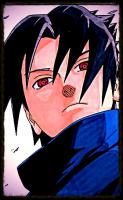
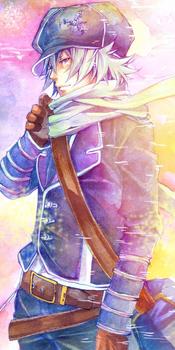
[Photoshop] 6 Standard avatars.

Torche

Sage of Six Posts 🔮
Immortal
Joined
May 15, 2013
Messages
58,956
Reaction score
3,171
Take them if you want, how are they? :sweat:

You must be registered for see images

You must be registered for see images


Used:
You must be registered for see images

You must be registered for see images

You must be registered for see images

You must be registered for see images

You must be registered for see images

You must be registered for see images
 

Kamui Sama

Sannin of the Scrolls 📜
Elite
Joined
Apr 7, 2014
Messages
5,163
Reaction score
368
The Konan and Yahiko ones are great
 

V h o

Kage in the Making 👑
Legendary
Joined
Jan 27, 2013
Messages
16,796
Reaction score
815
Nice I like the deva path one, and the first sasuke one
 

Conspirator.

Kage in the Making 👑
Legendary
Joined
Mar 10, 2014
Messages
19,435
Reaction score
3,378
Nice work man! Could I save some of them for future use?
 

Edenia

Kage in the Making 👑
Legendary
Joined
Aug 17, 2014
Messages
16,723
Reaction score
1,275
the first Sasuke and Konan are awesome!

You must be registered for see images
 

Punk Hazard

Sage of Six Posts 🔮
Immortal
Joined
Apr 21, 2011
Messages
59,557
Reaction score
4,729
I feel like you could have chosen better images, but that's just me.
 

Dannie

/
Immortal
Joined
Mar 10, 2014
Messages
47,160
Reaction score
2,798
Tell me every step you did to create this one:
You must be registered for see images
 

Torche

Sage of Six Posts 🔮
Immortal
Joined
May 15, 2013
Messages
58,956
Reaction score
3,171
I think I deleted the PSD... :sweat:

But it probably won't help much. I will make it again from the top of my head and list it. It might be slightly different.

First I made it the right size (150 width and crop the rest off the bottom).
Made a copy of the layer.

Image -> Adjustments -> Levels
15 | 0.80 | 240
Ok.

Image -> Adjustments -> Curves
Output: 130
Input: 120
Ok.

Image -> Adjustments -> Exposure
Gamma correction: 0.90
Exposure: 0.2
Ok.

Image -> Adjustments -> Vibrance...
Vibrance: 30
Saturation: 1
Ok.

Image -> Adjustments -> Photo filter
Cooling filter (82)
Density: 30%
Ok.

New layer.

I used some sparkle brush with extremely light blue, almost white (may have been white :|) and an outer glow left as is but change the mode of the glow to linear dodge (add) layer's opacity to 90%.

New layer on top again. Black foreground colour. I downloaded some overlay brush things. I chose the downward pattern one, opacity to 60%. Use it. Set the layers mode to soft light, opacity to 50%, fill to 60%.

Add a layer mask, choose a soft brush at around 25 and go around the skin on the face/neck/chest and over the Chidori.

Set the brushes opacity to like 50% and went over the rest of Sasuke until it was to my liking. U_U

I think that's like it besides whacking on a border.

Here is what I got with that.

You must be registered for see images


I might have even made a copy of the tweaked layer and put a blue omni light over the original, maybe set it to overlay or just lower opacity/fill, and put a layer mask over Sasuke. I can't remember tbh.

 
Last edited:

Ryóma

Kage in the Making 👑
Legendary
Joined
Aug 29, 2014
Messages
15,355
Reaction score
477
Nice work. May I take this one?
You must be registered for see images


What program did you use to make these?
 

Torche

Sage of Six Posts 🔮
Immortal
Joined
May 15, 2013
Messages
58,956
Reaction score
3,171
Nice work. May I take this one?
You must be registered for see images


What program did you use to make these?

Sure. :) Take whatever appeals to you.

Photoshop as per the tag, CS6 to be specific. U_U
 
Top