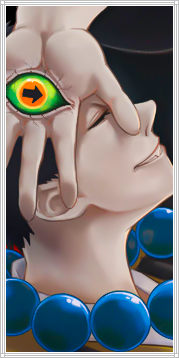
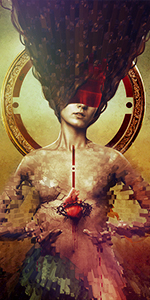
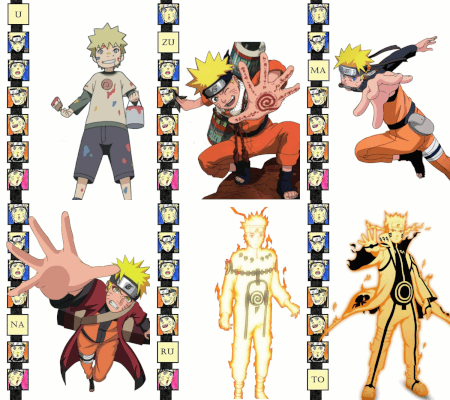
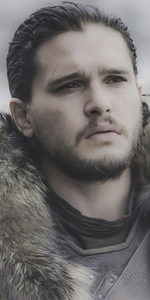
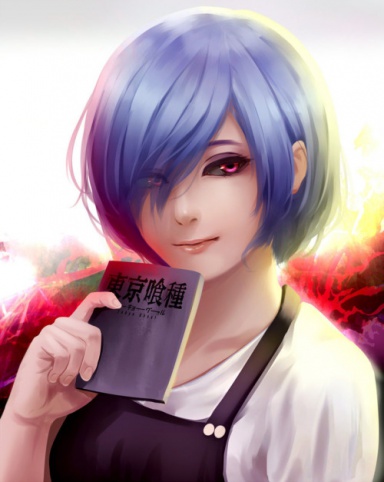
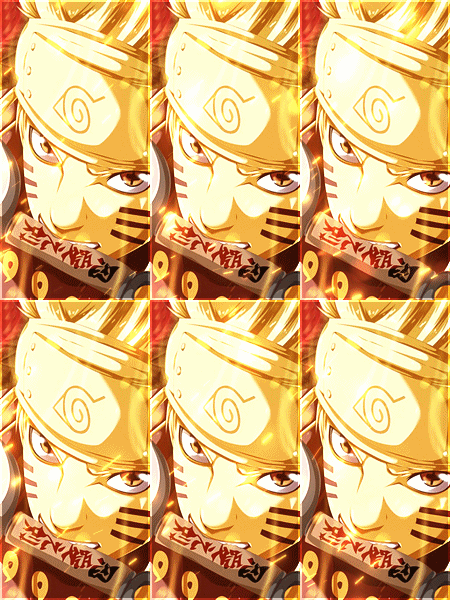
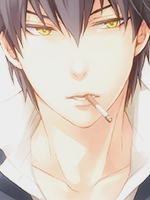
>The sizes are off, and the Hei one isn't even usable (308px in height)
>Just crops
>The white stroke before the dashing of the borders should be 2px, or 1 px with an outer glow of at least 2px.
Let's start with the size. There is a few way to resize. You could make a new canvas of 150x300 or whatever you size but less than that, and drag your image onto it. Resizing whilst holding shift to keep it's proportions and get it how you want. Or, you could select bits a crop it down a bit. Say you get the height how you want it, resize the image from Image > Image Size, make the heigh 300 and make sure Constraint Proportions is ticked. After that you'd select the rectangle marquee tool, set it to fixed size and 150 x 300. You could then crop the rest down to size.
Adjustments. There are limitless possibilities. Just play around with adjustments. Layer modes with colour, duplicating the layer blurring it and changing the layer mode. Gradient maps and layer mode. Etc. Perhaps you would benefit from looking up some signature tutorials to get ideas on the various adjustments which can be done.
Anyway, KIU, you'll improve in no time.