
You are using an out of date browser. It may not display this or other websites correctly.
You should upgrade or use an alternative browser.
You should upgrade or use an alternative browser.
What would you do?
- Thread starter Chode
- Start date
- Status
- Not open for further replies.
More options
Who Replied?
- Joined
- Feb 11, 2012
- Messages
- 16,325
- Reaction score
- 693
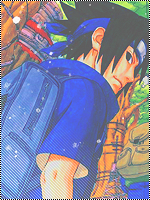
darken his sword

- Joined
- Apr 18, 2012
- Messages
- 8,783
- Reaction score
- 935
For a start I thought I had to deselect it so I was clicking the mouse off pic to see it till i realised it is blue

- Joined
- Jan 18, 2012
- Messages
- 8,743
- Reaction score
- 637
make a duplicate layer of it, set it to darken or multiply, mess with the modes, there are thousands of ways to do that like the exposure, levels, and so on i just recommend you to try them out and see which you like best.
- Status
- Not open for further replies.