[Photoshop] Signature

Dio Brando

Member
Joined
Mar 10, 2014
Messages
160
Reaction score
44
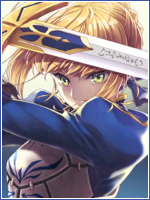
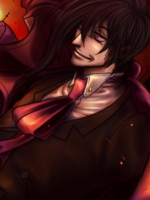
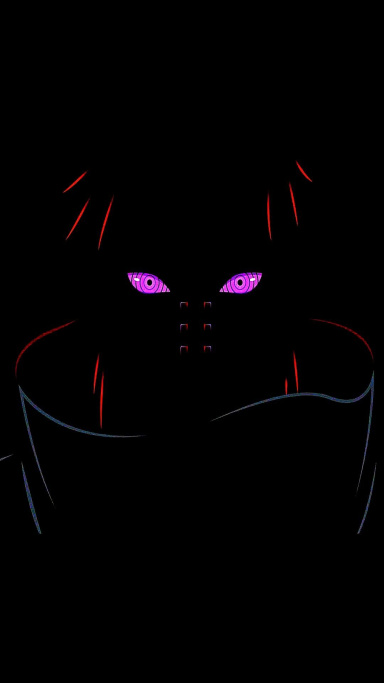
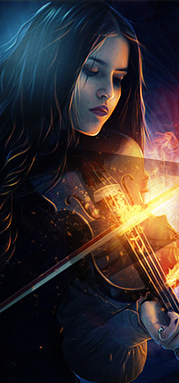
I am very new to photoshop, but I can't learn out of my mistakes if I don't have someone to give proper feedback >.<

You must be registered for see images


render used:
Yep I used a render done by Sikk credits to Sikk >~<
You must be registered for see images
 
Last edited:

Alumaki

Member
Joined
Apr 16, 2014
Messages
190
Reaction score
14
i like it! rly like the light change you did to the render too!
 

suki

Anbu Operative 🎭
Veteran
Joined
Feb 9, 2013
Messages
4,357
Reaction score
807
Looks pretty good. I like how it has a smooth atmosphere.
 

Horus

Elite
Joined
Sep 25, 2012
Messages
8,298
Reaction score
1,484
It looks alright to me, I don't feel like heavily criticizing it, so I'll nit pick a little bit lol!

The render's a bit LQ, maybe try working with more HQ renders in the future..
The tag seems a bit empty also, and the depth is a bit off too, where you blurred her hair.
Maybe try moving the text a little bit closer to the render, just my preference.
You should try incorporating colors in the background that match with the render's color, to help it blend in more..
And the border's a bit too thick IMO, maybe try a thinner black border.

Seeing as you're new, you can probably look up some photoshop tutorials that'll make your skills improve big time :)

Check Pavoneo's guide :)
 

Dio Brando

Member
Joined
Mar 10, 2014
Messages
160
Reaction score
44
It looks alright to me, I don't feel like heavily criticizing it, so I'll nit pick a little bit lol!

The render's a bit LQ, maybe try working with more HQ renders in the future..
The tag seems a bit empty also, and the depth is a bit off too, where you blurred her hair.
Maybe try moving the text a little bit closer to the render, just my preference.
You should try incorporating colors in the background that match with the render's color, to help it blend in more..
And the border's a bit too thick IMO, maybe try a thinner black border.

Seeing as you're new, you can probably look up some photoshop tutorials that'll make your skills improve big time :)

Check Pavoneo's guide :)

Thank You! I really appreciate it, I'll keep that in mind and work on my shortcomings.
 
Top