
You are using an out of date browser. It may not display this or other websites correctly.
You should upgrade or use an alternative browser.
You should upgrade or use an alternative browser.
how do u make a dotted border around your image?
- Thread starter -Shiro-
- Start date
More options
Who Replied?
- Joined
- Oct 20, 2011
- Messages
- 2,724
- Reaction score
- 166
Get a dotted picture that you want put the picture in center of it thats it. You dont need photoshop. Or something just use paint.
- Joined
- Sep 3, 2012
- Messages
- 6,391
- Reaction score
- 477
i tryed it wasnt the right borderJust google it.
I can only help you with Photoshop.

- Joined
- Mar 12, 2014
- Messages
- 34,484
- Reaction score
- 1,419
I do dotted borders on Gimp.
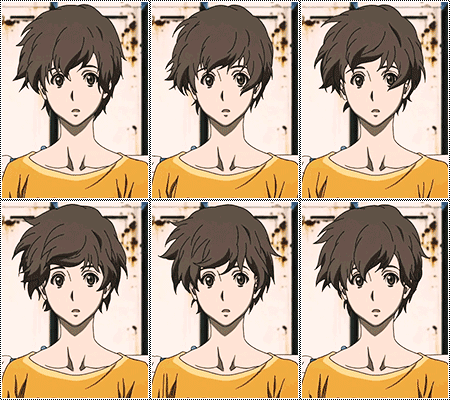
First, open the image you want to border ---> Select All ---> Edit ---> Stroke Selection ---> Line Width 1.0 or 2.0 ---> Line Style and Dash Preset to select the type of border you want, in this case Normal Dots, Dense Dots or Stipples ---> Stroke ---> Select None ---> Save the image as a .png or .jpg
First, open the image you want to border ---> Select All ---> Edit ---> Stroke Selection ---> Line Width 1.0 or 2.0 ---> Line Style and Dash Preset to select the type of border you want, in this case Normal Dots, Dense Dots or Stipples ---> Stroke ---> Select None ---> Save the image as a .png or .jpg