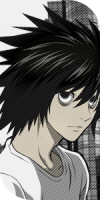
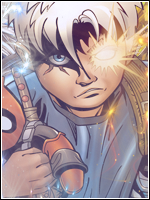
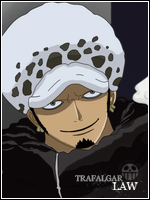
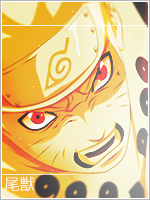
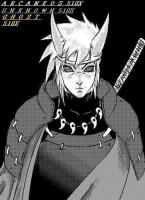
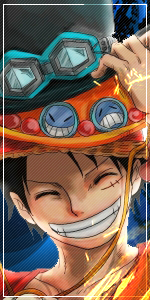
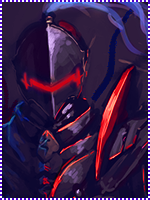
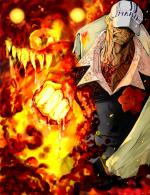
Alright, instead of being all of those who just says how nice it is, without actually helping you to improve at all. I will give you a CnC, wich should be given by all members who post under someones arts >_>
Now, i will begin with saying, that it is indeed good for your first try. You've managed to find some settings/adjustments many noobs of GFX didn't know existed. So that's impressive!
Now what i think you should do; first of all keep the size right. Normal avatars are 150*200, and bigger one's are 150*300 pixels.
Secound thing i want you to do is to make the render/focal stand out more, as in such small works of canvas.. The focal needs to be big, compared to it's canvas. So make the render/focal bigger and stand out more.
I can guess what you did do here. You googled the render, a logo. You put them on a black bg. Added a lightsource, put a paper or anything in the like on the "Lighten" setting blend mode, and made a border out of a clipping mask. That's impressive for a beginner i'd say.
To put it bluntly, i can't really give much more guidance, because avatars are so small to be able to put much effort and effects into..
I'd say it needs further effects and such, but i want to recommend you to further gain excactly what you can do with the program you use - learn the program. Then start with pro works.
There is a great website for further tutorials, if you're interested: deviantart.com
they have(like i said) tutorials, and resources. Like render, effects.. Etc..
But i think the page that provides the best renders are;
You must be registered for see links
So, in short. Good for your first, now it's time for you to get comfortable with the program, make bigger works where you involve more stuff into it. Learn more effects, and such. Then work out a style you like.