[Photoshop] √ Avatars √

Sheele

Leaf Village Regular 🍃
Regular
Joined
Apr 12, 2015
Messages
898
Reaction score
154
You must be registered for see images


You must be registered for see images


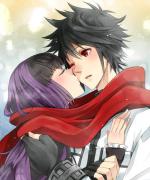
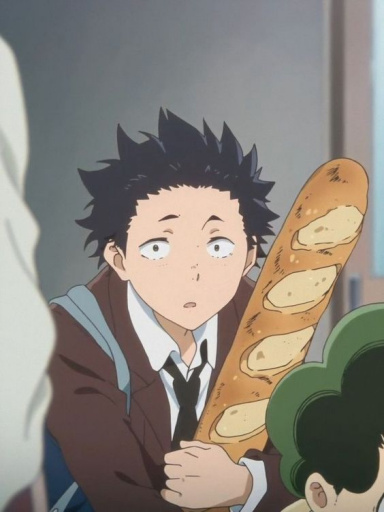
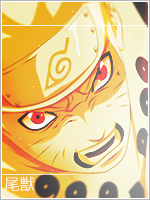
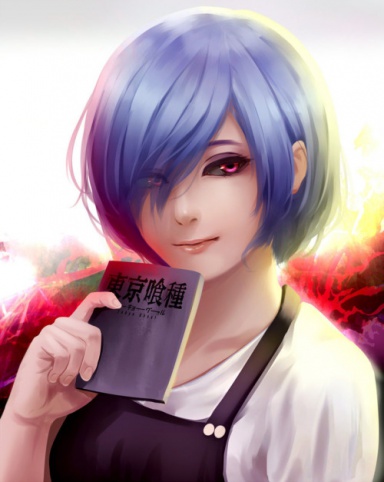
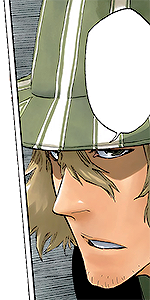
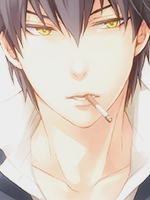
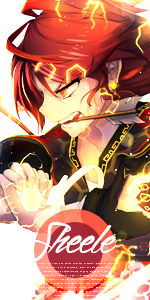
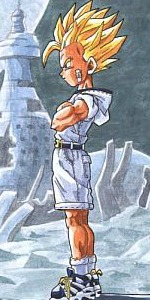
Some avatars : ) All can be re-sized but im not a huge fan of making normal sized ava's hence there is only 1.

All are free to use and CnC is as usual appreciated :)

P.S I have no idea why the Sarada one got scaled to 150 × 291.. will fix this later
 

PakTigers

Leaf Village Regular 🍃
Regular
Joined
Mar 10, 2014
Messages
604
Reaction score
50
Great! But I don't need any right now. :hint:
 

lndra

Legendary Shinobi 🐸
Supreme
Joined
Jun 1, 2014
Messages
31,928
Reaction score
2,237
You must be registered for see images


Taking!
 

Kettei

Kage in the Making 👑
Legendary
Joined
Mar 13, 2012
Messages
10,732
Reaction score
674
Can I use the Bolt one.
 

Edenia

Kage in the Making 👑
Legendary
Joined
Aug 17, 2014
Messages
16,723
Reaction score
1,275
You must be registered for see images


pretty cool :) may I take it?
 
Last edited:

Woodzy

Jōnin Strategist 🧠
Veteran
Joined
Jan 4, 2015
Messages
2,369
Reaction score
257
Another pack? You're on fire today. :bdpf:
 

Torche

Sage of Six Posts 🔮
Immortal
Joined
May 15, 2013
Messages
58,956
Reaction score
3,171
Nice job! Some of the stocks seem stretched, maybe it's just my eyes. How do you resize? If you place the image on a canvas of the size of the avatar, you would hold shift while resizing to keep proportions. If you crop it, make sure any resizing is done with "Constraint Proportions" ticked.

The inner borders are a bit sloppy. There are a few ways you could do this. Easiest would be to make a new layer below the one with the border > hit Ctrl + A > right click stroke > 1 or however many px -1 of how far you want the border in. Do it in white > Then use the rectangle marquee tool to select inside that and stroke your one px border in the border layer and delete the other one. :)

Edit: They're also a bit heavy, try different layer modes and opacity/fill. :)

KIU!
 

Sheele

Leaf Village Regular 🍃
Regular
Joined
Apr 12, 2015
Messages
898
Reaction score
154
Nice job! Some of the stocks seem stretched, maybe it's just my eyes. How do you resize? If you place the image on a canvas of the size of the avatar, you would hold shift while resizing to keep proportions. If you crop it, make sure any resizing is done with "Constraint Proportions" ticked.

The inner borders are a bit sloppy. There are a few ways you could do this. Easiest would be to make a new layer below the one with the border > hit Ctrl + A > right click stroke > 1 or however many px -1 of how far you want the border in. Do it in white > Then use the rectangle marquee tool to select inside that and stroke your one px border in the border layer and delete the other one. :)

Edit: They're also a bit heavy, try different layer modes and opacity/fill. :)

KIU!

Thanks for the feedback dude! really appreciated! :D

ahh thanks for the tip on the inner border! didn't really know how to make them haha so I tried something out!

And for the opacity/fill thing yeah I was playing around with that already lately :D will get better at it!
Thanks for the "Constraint Proportions" point.. didn't know that one! but if I re-size I do hold shift and sometimes shift + alt if the images is too big but want to keep the same things!
 

Torche

Sage of Six Posts 🔮
Immortal
Joined
May 15, 2013
Messages
58,956
Reaction score
3,171
Thanks for the feedback dude! really appreciated! :D

ahh thanks for the tip on the inner border! didn't really know how to make them haha so I tried something out!

And for the opacity/fill thing yeah I was playing around with that already lately :D will get better at it!
Thanks for the "Constraint Proportions" point.. didn't know that one! but if I re-size I do hold shift and sometimes shift + alt if the images is too big but want to keep the same things!

No problem, hope it didn't seem harsh or anything. :sweat:

No problem! You gotta try and experiment to learn. :)

Cool! I agree. :) Yup, no worries. Ah, must've just me been derping in that case. :p
 
Top