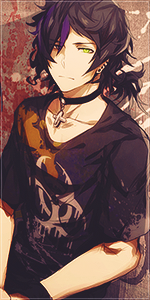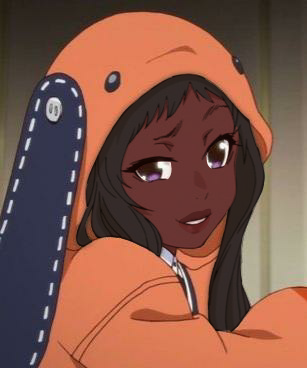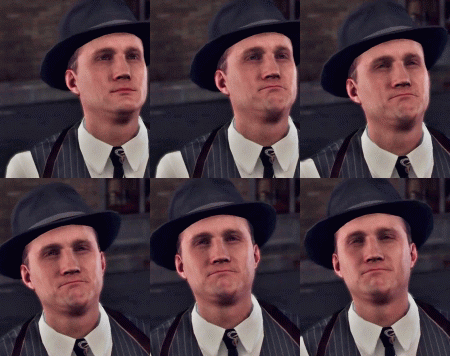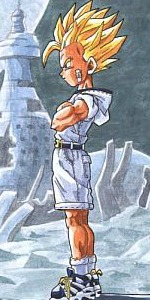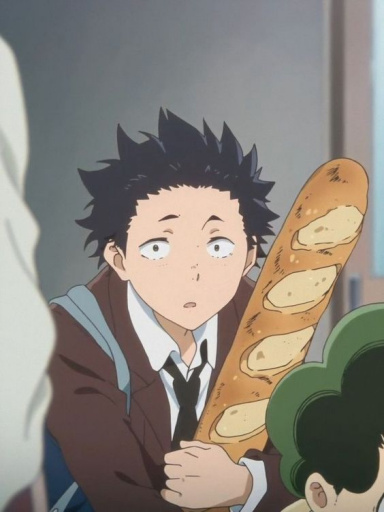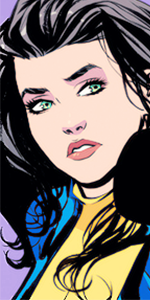
[Photoshop] My first time

To Whatever

Kage in the Making 👑
Legendary
Joined
Mar 27, 2013
Messages
18,010
Reaction score
1,512
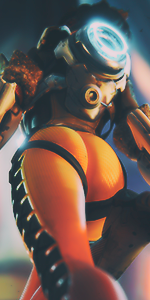
Tried using photoshop to make some Avatars.

:mad:_@:

I think they turned out pretty good.

You must be registered for see images


Note:
If anyone knows how to add an effect that makes the Avatar transition from colorless to colored, pm me
 
Last edited:
loj

from the east blue
Immortal
Joined
Aug 5, 2014
Messages
50,368
Reaction score
1,781
Looks gr8 for the first time
 

UltimateHawk

Anbu Operative 🎭
Veteran
Joined
Mar 10, 2014
Messages
2,995
Reaction score
422
Damn for the first time they are sick.The only thing i'd recommend you is to get rid of that border.
 

Melanin

Kage in the Making 👑
Legendary
Joined
Apr 10, 2014
Messages
18,927
Reaction score
1,266
I wish I could do this..
 

Venomous Cobra

Kage in the Making 👑
Legendary
Joined
May 13, 2014
Messages
15,664
Reaction score
1,229
Pretty nice stuff.
You must be registered for see images

I like this one.
 

Torche

Sage of Six Posts 🔮
Immortal
Joined
May 15, 2013
Messages
58,956
Reaction score
3,171
Amazing for a first try! Get rid of that blocky border though, it's not doing them any justice. Lol
 

To Whatever

Kage in the Making 👑
Legendary
Joined
Mar 27, 2013
Messages
18,010
Reaction score
1,512
Damn for the first time they are sick.The only thing i'd recommend you is to get rid of that border.

I've been trying out different borders but so far all I know how to do is dotted dashed and solid ones. I want to try using a reflective glass type border kind of like ones I saw on here. or ones like yours.

Amazing for a first try! Get rid of that blocky border though, it's not doing them any justice. Lol

What borders do you two recommend then?
 

Torche

Sage of Six Posts 🔮
Immortal
Joined
May 15, 2013
Messages
58,956
Reaction score
3,171


I've been trying out different borders but so far all I know how to do is dotted dashed and solid ones. I want to try using a reflective glass type border kind of like ones I saw on here. or ones like yours.


What borders do you two recommend then?

I'll add you to my gfx group and you can have free-range on the bunch of borders there. You just drag them onto your finished avatar.

For the inner ones you go in one, or however many pixels and stroke a 1px white border. You could set the layer mode to "Linear dodge (add)" with 50% opacity, or "Overlay" and 60% opacity generally looks good.

You could stroke a 1px black border if you like the black borders. Or 2px white and 1px black over it.

I know how to do you note too, so I'll PM you.
 

Wretched

Member
Joined
Mar 19, 2015
Messages
491
Reaction score
23
Cant believe this my mind is too dirty i understood the tittle in a different way...
Great avatars doe :3
Mine is still cuter than anything you will ever make doe :3
 
Top