- Joined
- Dec 6, 2012
- Messages
- 80,546
- Reaction score
- 4,116
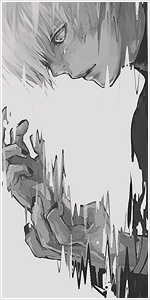
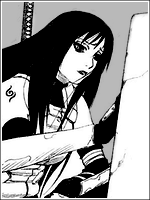
150x300, do not add borders, this avatar won't fit with borders at all.
Thanks <3
You must be registered for see images
Thanks <3

You must be registered for see images
Here

You must be registered for see images
Here
:Omg:
You must be registered for see imagesYou must be registered for see images
You must be registered for see imagesYou must be registered for see images
<3You must be registered for see images
>:c you know I wanted the character, not just the hand :c
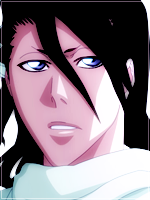
Pretty impressive, I like the first one, the borders is not that noticeable. <3
The first one looks way too bright but thanks for bringing the second one, looks good
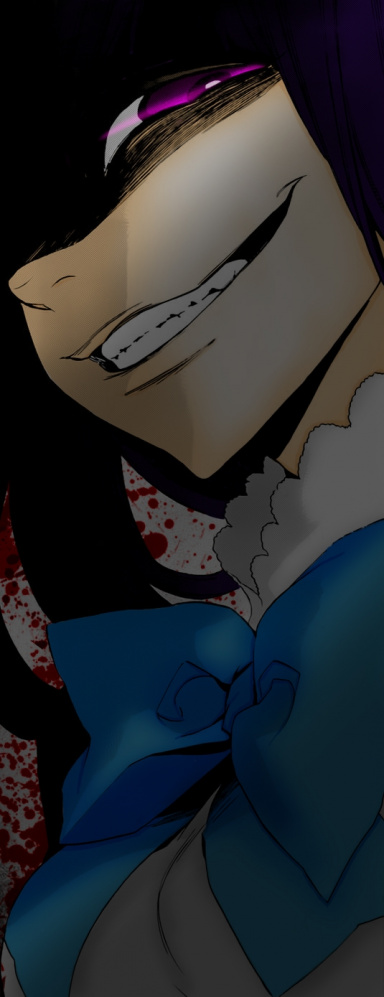
So you changed the background by adding another effect or and background, am I right? Not bad honestly, it matches her with clothes. <3
Thanks y'all.
I went hard (lol)
You must be registered for see images
The hand looks so wrong. :leaf: You should take Gobble's one.
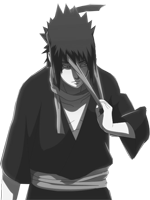
Which options or effects did you on this one...? If i can ask.
I tried >_>
You must be registered for see imagesYou must be registered for see images
I increased the brightness and decreased the contrast. > I changed colors scales. More Cyan, more magenta, more yellow.
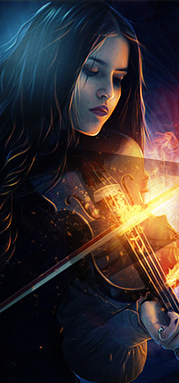
Ban yourself please.
JK.
Are those borders but in a way that is not noticable at all like @Gobble's try?
You must be registered for see images
I noticed you did the same in one of her eyes... very intriguing...
Thank you buddy
Yes, Its an inner border style set on overlay to help it to blend into the background and not be very noticeable..
And the eye area is the same concept but in the form of a drawn shape..
Is there any tutorial so I could the follow the steps and try to do it myself? Sharing is caring.
Its really simple, doesn't require a tutorial.. VM me if you want help with it!