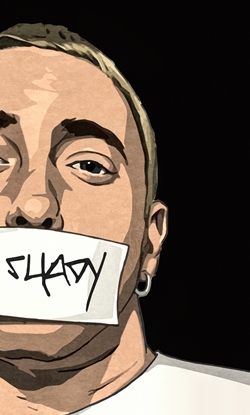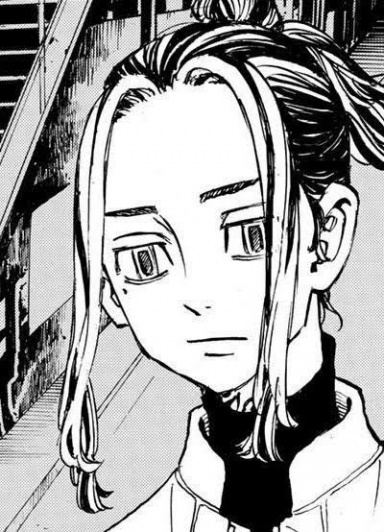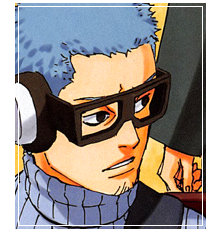
Avatars like Lawliet

Deviation

Legendary
Joined
May 15, 2013
Messages
14,295
Reaction score
594
Hey there guys! I wanted to know if anyone knows how to make avatars like Lawliet does? At least how to do increase the color on them. I would really like to know how to make them and improve what I can already do. I appreciate any help. :3

Oh yeah and I use GIMP so any tips on that are welcome but if you feel better teaching in Photoshop then you can share as well. The programs have a lot of similarities so it won't be that hard to figure out. Thanks in advance.


On my own: I found out the color bit can be done by playing with the saturation. Now All I need to figure out is the scan lines. >_>
 
Last edited:
Akasha

Kage in the Making 👑
Legendary
Joined
May 8, 2013
Messages
12,082
Reaction score
823
One person made a tutorial on how to add scan lines in Gimp. Hope it helps you out. :)


Deviation

Legendary
Joined
May 15, 2013
Messages
14,295
Reaction score
594
One person made a tutorial on how to add scan lines in Gimp. Hope it helps you out. :)


Yeah I read that. Actually have it subscribed. >_>

But I was looking more or less how to do them like her. I got most of it just by looking but I can't get the edges right.
 

BazzBee

Kage in the Making 👑
Legendary
Joined
Mar 11, 2013
Messages
14,587
Reaction score
1,222
You mean the curves on the edges ? if so check out skorms tut... can't link it my phone is lagging too much.
 

Saikyokami

Kage in the Making 👑
Legendary
Joined
Dec 11, 2012
Messages
16,811
Reaction score
943
Like on my ava? or do you mean the curves?

if your talking about the curves

Create 2 more layers 1 above the avatar and 1 below it.
Fill the one below it with Black.
Now go up to select.
Select -> Rounded rectangle... set it to above 30-45 whatever your think is better.
then go back to select
Select -> Invert.
Then go on all three layers and erase the corners you want curved.
and yer done.

If you want to add a border to that..
Click the black layer with the wand tool (select thingy looks like a wand)
and go up to the empty layer above the avatar and make the border the same way as you do on normal avatars.
 
Last edited:

Deviation

Legendary
Joined
May 15, 2013
Messages
14,295
Reaction score
594
Like on my ava? or do you mean the curves?

if your talking about the curves

Create 2 more layers 1 above the avatar and 1 below it.
Fill the one below it with Black.
Now go up to select.
Select -> Rounded rectangle... set it to above 30-45 whatever your think is better.
then go back to select
Select -> Invert.
Then go on all three layers and erase the corners you want curved.
and yer done.

If you want to add a border to that..
Click the black layer with the wand tool (select thingy looks like a wand)
and go up to the empty layer above the avatar and make the border the same way as you do on normal avatars.

But how do you make the edges not turn out bad? Keep in mind I use GIMP.
 

Saikyokami

Kage in the Making 👑
Legendary
Joined
Dec 11, 2012
Messages
16,811
Reaction score
943
But how do you make the edges not turn out bad? Keep in mind I use GIMP.

Not sure how to do it in gimp >_> may have to search a lil It's much easier on photoshop Lol
 
Top