[Gimp] Screwing with gimp

Saikyokami

Kage in the Making 👑
Legendary
Joined
Dec 11, 2012
Messages
16,811
Reaction score
943
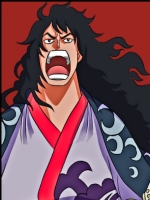
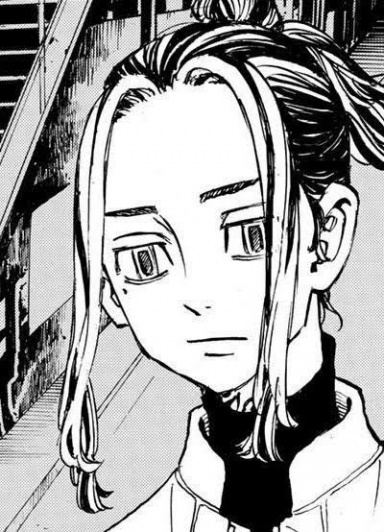
Just got bored and decided to screw around with gimp and made two avatars Not the best but there Okay for my first try
You must be registered for see images
 
Last edited:

Fountain

Sannin of the Scrolls 📜
Elite
Joined
Nov 16, 2012
Messages
5,415
Reaction score
367
Color tsunade, Some paintbrush or something, Then add a little bit of dodge 85% using the purple and it i'll look sick. The avatar looks good as it is, Its just very blurry.
 

Saikyokami

Kage in the Making 👑
Legendary
Joined
Dec 11, 2012
Messages
16,811
Reaction score
943
Color tsunade, Some paintbrush or something, Then add a little bit of dodge 85% using the purple and it i'll look sick. The avatar looks good as it is, Its just very blurry.
thats just the quality of the render i had to make it a little better ^_^ Ill see what i can do im still a beginner
 

Jellal Fernandes

Anbu Operative 🎭
Veteran
Joined
Dec 20, 2012
Messages
4,833
Reaction score
508
Im interested on things like this...If you can, Could you give me the tools you use to do this? Links and such...:p
 

Saikyokami

Kage in the Making 👑
Legendary
Joined
Dec 11, 2012
Messages
16,811
Reaction score
943
Im interested on things like this...If you can, Could you give me the tools you use to do this? Links and such...:p

honestly i just downloding Gimp and Gimp animation pakage and google search for renders and backgrounds and put it all together check out the GFX tutuorials for extra help its a bit hard to explain.
 
Top